
Chrome Remote Desktop alternative
A Chrome Remote Desktop alternative made for touch.
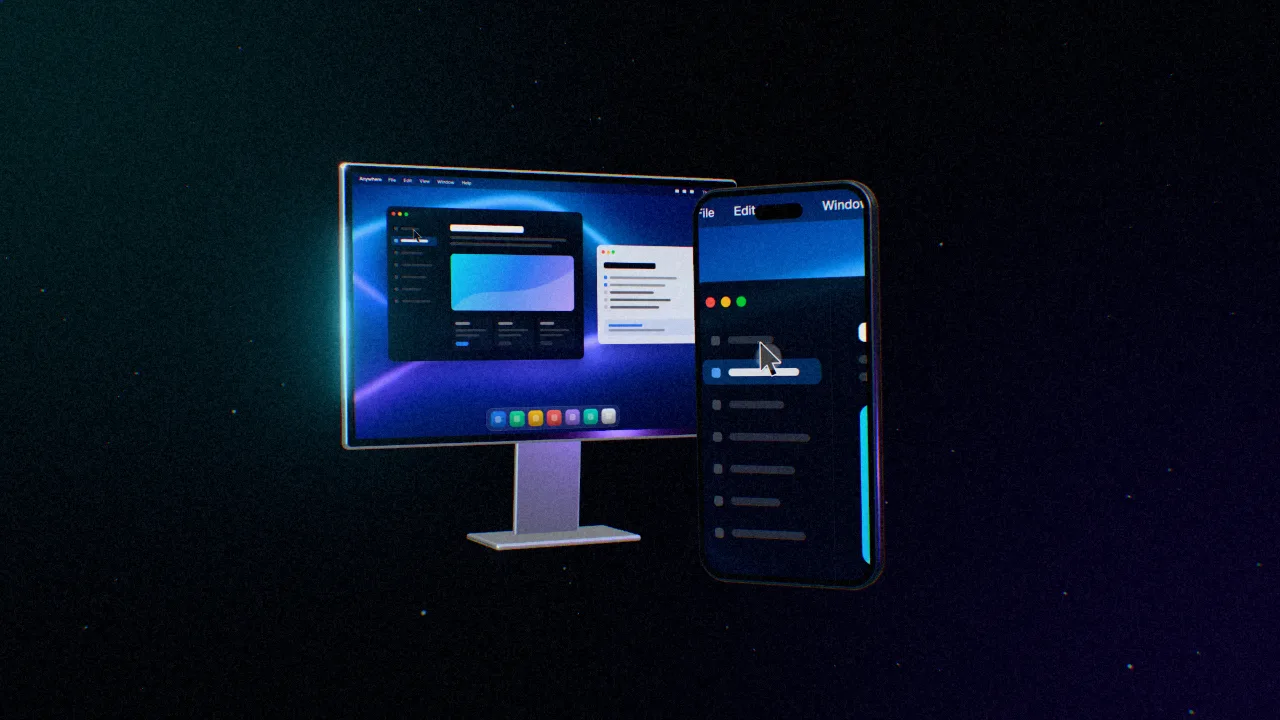
Chrome Remote Desktop is free and fine for occasional use between two computers, but on an iPhone or iPad it is now a web page. Anywhere is an app made for controlling a Mac from a touchscreen.
Updated · macOS 15 or later · Windows 10 or 11 · Linux with Xorg · iOS 18 or iPadOS 18 or later · Android 10 or later
What Chrome Remote Desktop is and who it suits
Chrome Remote Desktop is Google's free remote desktop tool. It runs through the Chrome browser and needs a Google account. The computer you control can be a Mac, a Windows PC or a Linux machine, and you connect to it from a web page. It uses WebRTC and needs no port forwarding. There is no paid plan.
It suits occasional use between two computers, such as checking the desktop at home from a laptop. If that is all you do, it is free and it does the job, and you may not need anything else.
Why people look for an alternative
- The iPhone and iPad app is gone. It is no longer on the US App Store, and its old listing returns "not found". On an iPhone or iPad you are left with the web app in a browser.
- Touch modes are for Windows. Chrome Remote Desktop's touch input modes work only when the remote computer runs Windows. With a Mac at the other end you don't get them.
- It needs Chrome and a Google account. It runs through the Chrome browser, and a Google account is required.
None of this means the product is ending. Chrome Remote Desktop itself is still available. It is the phone and tablet experience that changed, and that is what sends Mac owners looking.
Chrome Remote Desktop and Anywhere side by side
| Chrome Remote Desktop | Anywhere | |
|---|---|---|
| What it controls | Mac, Windows and Linux computers | Macs (macOS 15 or later), Windows PCs (Windows 10 or 11) and Linux PCs (X11) |
| Connecting from an iPhone or iPad | The web app in a browser. The app is no longer on the US App Store | The Anywhere app (iOS or iPadOS 18 or later) |
| Connecting from a computer | A web page, through Chrome | The Anywhere app on another Mac, a Windows PC or a Linux PC |
| Price | Free. No paid plan | The Mac app is free to try for 14 days ($12 a month after that) |
| Account | A Google account is required | An email address or Google |
| Connection | WebRTC. No port forwarding | WebRTC. No port forwarding |
| Encryption | Google describes it as fully encrypted | End to end. The relay cannot decrypt the stream |
| Touch input | Touch input modes work only with Windows computers | Trackpad gestures on iPhone, direct touch on iPad |
| Best for | Occasional use between two computers, on Mac, Windows or Linux | Controlling a Mac from an iPhone, an iPad or another Mac |
Chrome Remote Desktop details are from Google's own pages, as of November 2026.
When Chrome Remote Desktop is the better choice
- You use it now and then, computer to computer. It is free, it has no paid plan, and for that job it is fine.
- You want to connect from a browser. Chrome Remote Desktop's client is a web page. Anywhere has no web client.
- You need your phone to work today. The web app runs in a phone browser now. Anywhere's iPhone and iPad app is not yet on the App Store.
When Anywhere fits better
Anywhere fits when the computer is a Mac and the thing in your hand is an iPhone or iPad.
- The iPhone works as a trackpad. Drag one finger to move the pointer and tap to click. Tap with two fingers to right-click, drag two fingers to scroll, and pinch to zoom your own view. All the gestures.
- The keyboard has Mac keys. A three-finger tap shows it. An extra row adds Esc, Tab, the arrow keys, and Command, Option, Control and Shift.
- On iPad, a tap lands where you touch. A Magic Keyboard, trackpad or mouse maps straight through. More on iPad.
- No Google account is needed. You can sign in with an email address, and the apps don't need Chrome.
- Face ID before each connection. The phone asks for Face ID or the passcode every time, and the session is encrypted end to end. How it's protected.
How to switch from Chrome Remote Desktop to Anywhere
- 1
Install Anywhere on your Mac
Download the Mac app and open it. It lives in the menu bar and needs macOS 15 or later.
- 2
Sign in and allow two permissions
Sign in with your email address or Google. Then allow Screen Recording and Accessibility when macOS asks.
- 3
Sign in on your iPhone, iPad or other Mac
Use the same account. Every device in it sees the others, and your Mac appears in the list.
- 4
Tap your Mac
On an iPhone or iPad, confirm with Face ID. The Mac's desktop appears, sized to your screen.
- 5
Keep the Mac awake
Turn on Keep Active so the Mac doesn't sleep while you are out. More on keeping a Mac awake.
Good to know
Is there anything better than Chrome Remote Desktop?
It depends on the job. For occasional use between two computers, Chrome Remote Desktop is free and does it. For controlling a Mac from an iPhone or iPad, an app with touch gestures made for the Mac, such as Anywhere, is a closer fit.
Is Chrome Remote Desktop discontinued?
No. Chrome Remote Desktop is still Google's free remote desktop tool. What went away is the iPhone and iPad app, which is no longer on the US App Store.
Can I still use Chrome Remote Desktop on an iPhone or iPad?
Yes, through the web app in a browser. Its touch input modes work only when the remote computer runs Windows.
Is Chrome Remote Desktop free?
Yes. There is no paid plan. You need the Chrome browser and a Google account.
Do I need a Google account to use Anywhere?
No. You can sign in with an email address or with Google, and you use the same sign-in on each device.
Does Anywhere work with Windows or Linux?
Yes, both. Anywhere controls Macs, Windows PCs and Linux PCs, with an app for each. Chrome Remote Desktop covers Mac, Windows and Linux computers.
Sources
Prices and features of other products were read from these pages on November 21, 2026 and may have changed since.
Take your Mac with you.
See and control your Mac from your phone, tablet or another computer. Install it on your Mac, Windows PC or Linux PC, sign in, and it's there whenever you need it.