
iPhone to Mac
Control your Mac from your iPhone, wherever you are.
Anywhere puts your Mac's desktop on your iPhone and turns the phone into its trackpad. Open the app, tap your Mac, and you're in, from the next room or from another country.
Updated · macOS 15 or later · Windows 10 or 11 · Linux with Xorg · iOS 18 or iPadOS 18 or later · Android 10 or later
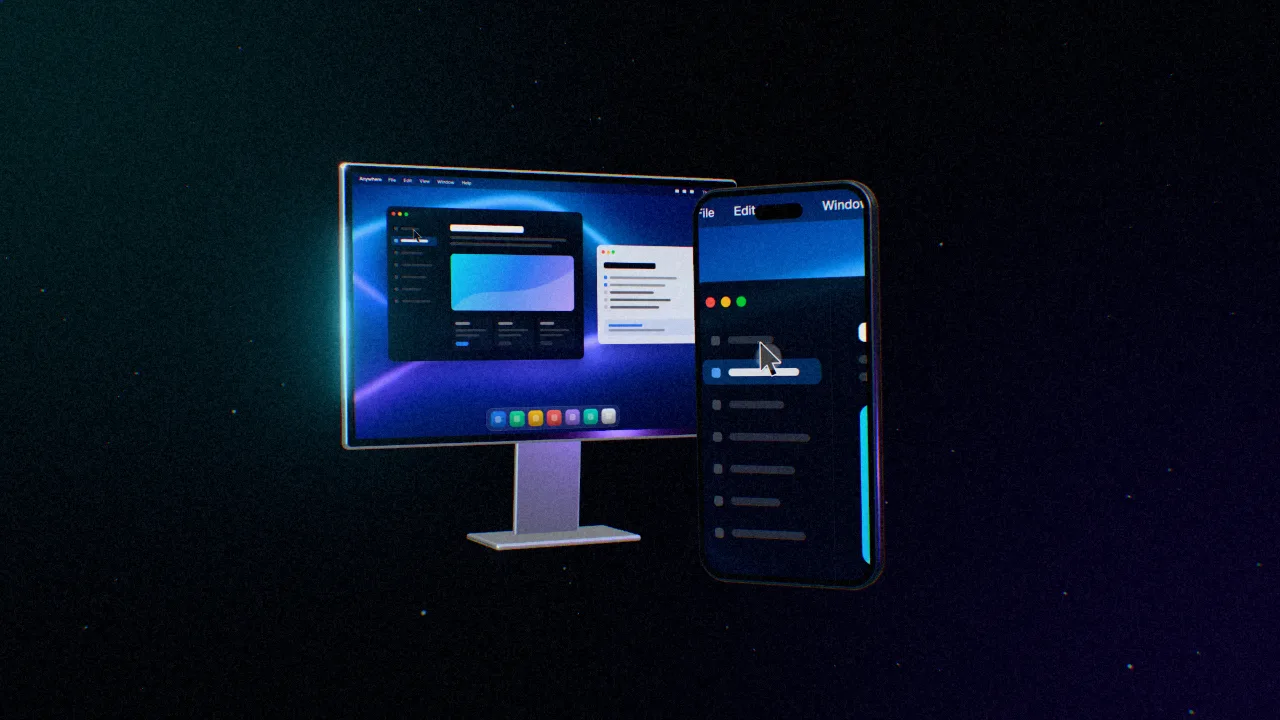
How to control your Mac from your iPhone
- 1
Install Anywhere on your Mac
Download the Mac app and open it. It lives in the menu bar, so there is no window to keep open. It needs macOS 15 or later.
- 2
Sign in and allow two permissions
Sign in with your email address or Google. macOS then asks for Screen Recording, so the Mac can show its screen, and Accessibility, so it can move the pointer and type for you. Anywhere walks you through both.
- 3
Sign in on your iPhone
Open Anywhere on your iPhone and sign in to the same account. Every Mac in the account appears in the list, with a dot showing which ones are online.
- 4
Tap your Mac
Confirm with Face ID and the Mac's desktop appears in a second or two. There are no IP addresses to type and no router settings to change.
- 5
Use the phone as the Mac's trackpad
Drag to move the pointer and tap to click. The gestures below cover right-click, scrolling, dragging and typing.
The gestures: your iPhone as a Mac trackpad
A Mac desktop is much bigger than a phone screen, so tapping exactly where you want to click doesn't work well. Anywhere treats the whole phone as a trackpad instead. The pointer moves relative to your finger, the way it does on a MacBook.
| On the iPhone | On the Mac |
|---|---|
| Drag one finger | Moves the pointer |
| Tap | Click |
| Tap with two fingers | Right-click |
| Double-tap, hold, then drag | Drag a window, a file or a selection |
| Drag two fingers | Scroll |
| Pinch | Zooms your own view, so small text is readable. The Mac's screen doesn't change |
| Tap with three fingers | Shows or hides the keyboard |
The keyboard has an extra row for the keys a phone doesn't have: Esc, Tab, the arrow keys, and Command, Option, Control and Shift, which stay held for the next key so shortcuts work.
Does Apple have a built-in way to do this?
Not for an iPhone. Apple has several features with similar names, and each does something different.
| Feature | What it does | Controls a Mac from an iPhone? |
|---|---|---|
| iPhone Mirroring | Shows your iPhone on your Mac and lets the Mac control it | No. It is the reverse direction |
| Screen Sharing | Lets one Mac view and control another, using VNC | No. Apple makes no iPhone app for it |
| Universal Control | Shares one keyboard and mouse between a Mac and an iPad sitting side by side | No. It doesn't show the Mac's screen, and it isn't for iPhone |
| Switch Control | An accessibility feature that can drive another Apple device on the same Wi-Fi | Only partly, for switch access on one network |
| Anywhere | Shows the Mac's screen on the iPhone and sends your touches to it | Yes, on any network |
Away from home: cellular, hotel Wi-Fi, another country
Most remote desktop trouble starts at the router. A Mac at home sits behind one, and nothing outside can reach it without port forwarding or a VPN.
Anywhere doesn't need either. Both devices sign in to your account, and Anywhere's servers introduce them to each other. They then connect directly, peer to peer, whenever the two networks allow it. When they don't, an encrypted relay carries the stream instead. You do the same thing in both cases: tap your Mac.
The video adapts as you go. On a weak cellular signal it lowers the frame rate and detail to stay responsive, and it recovers when the signal does.
Keeping your Mac reachable
Your Mac has to be powered on, logged in and online. Sleep is the usual reason a Mac can't be reached, so Anywhere has a setting for it called Keep Active:
- Never leaves macOS to sleep on its own schedule.
- On power keeps the Mac awake while it's plugged in.
- Always keeps it awake on battery too, down to a battery level you choose.
It can also nudge the pointer on the days and hours you pick, so the screen saver and lock screen stay away while you're out. More on keeping a Mac awake.
Is it safe to leave running?
The stream is encrypted end to end. Video, clicks and keystrokes are encrypted on one device and decrypted on the other, and Anywhere's servers never see them. Each device signs the connection with a key stored in its Secure Enclave, and the iPhone asks for Face ID before every session.
On the Mac, a menu bar indicator shows when someone is connected, and Stop Sharing ends the session at once. How Anywhere protects your Mac.
Good to know
Is there an Apple way to control a Mac from an iPhone?
No. iPhone Mirroring controls an iPhone from a Mac, not the other way round, and Apple's Screen Sharing has no iPhone app. You need a third-party app such as Anywhere on both devices.
Can I control my Mac from my iPhone over cellular?
Yes. The two devices connect directly when their networks allow it and through an encrypted relay when they don't, so it works on cellular, hotel Wi-Fi and office networks without port forwarding.
Can I type on the Mac from my iPhone?
Yes. Tap with three fingers to bring up the keyboard. A row above it adds Esc, Tab, arrow keys and the Command, Option, Control and Shift keys, so shortcuts such as Command-C work.
Does the Mac's screen stay on while I'm connected?
Yes. The Mac shows exactly what you see on the phone, and anyone at the Mac can still use its keyboard and mouse. A menu bar indicator shows that a session is active.
Can I get in if my Mac is locked?
Yes, as long as it is logged in. You see the lock screen and type your Mac password from the phone. Anywhere can't reach a Mac that is switched off, logged out, or waiting at the login window after a restart.
Does it work with a Mac mini or Mac Studio?
Yes. Any Mac running macOS 15 or later works, including a Mac mini with no keyboard or monitor nearby.
Take your Mac with you.
See and control your Mac from your phone, tablet or another computer. Install it on your Mac, Windows PC or Linux PC, sign in, and it's there whenever you need it.