
Parsec alternative
A Parsec alternative for reaching your own Mac.
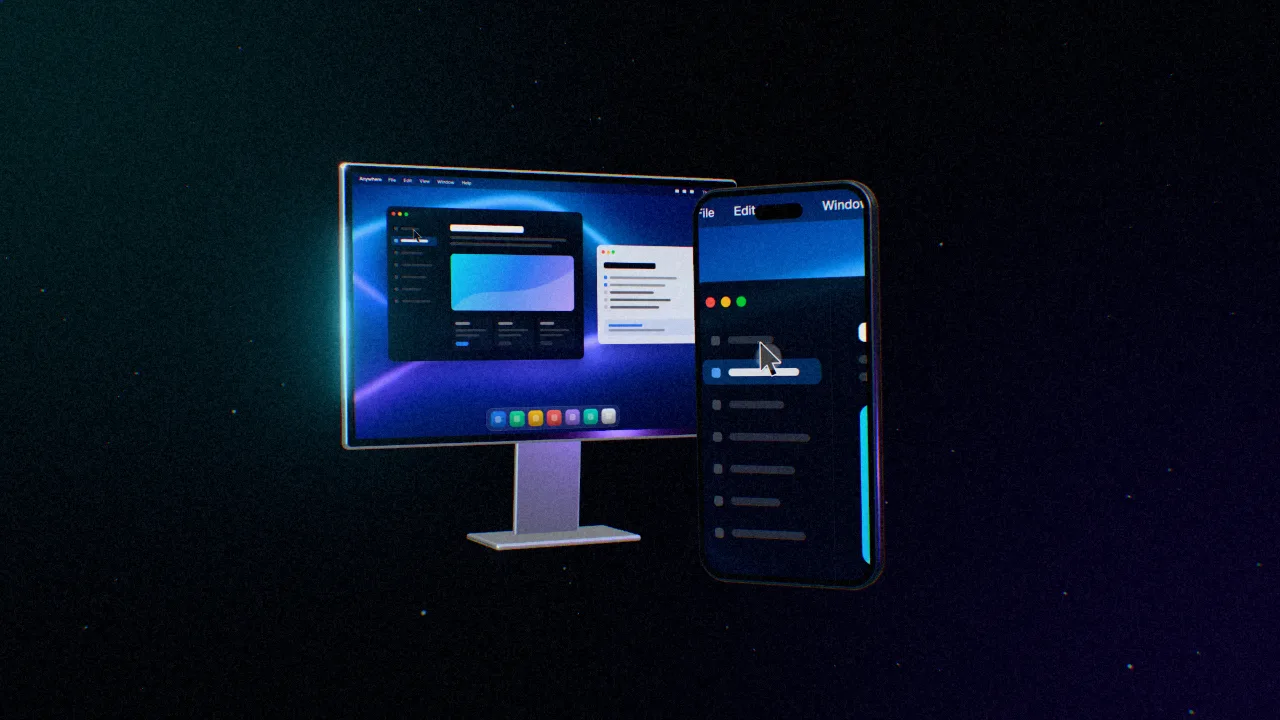
Parsec is built for games and low-latency creative work, and it has no iPhone or iPad app. Anywhere is a simpler tool: your Mac's screen on another Mac, an iPhone or an iPad.
Updated · macOS 15 or later · Windows 10 or 11 · Linux with Xorg · iOS 18 or iPadOS 18 or later · Android 10 or later
What Parsec is and who it suits
Parsec streams a computer's screen to another device, peer to peer, and is built around low latency. That focus comes from games, and it carries over to creative work such as editing and design.
The host can be a Windows PC or a Mac. You connect from Windows, macOS, Linux, Android or the web. Connections are encrypted end to end with 128-bit AES.
The Personal plan is free for non-commercial use, without multiple monitors or 4:4:4 colour. The paid plans are Warp, at $8.33 a month, and Teams, at $30 per user a month, both paid annually.
It suits people who play games on a computer in another room or another city, and creative teams who need an accurate, responsive picture.
Why people look for a Parsec alternative
- There is no iPhone or iPad app. Parsec's compatibility page says it is not currently supported on iOS or iPad. If the device in your pocket is an iPhone, Parsec can't put your Mac on it.
- It is made for a different job. Parsec is for sitting down to play or edit. Checking on a build, finding a file or answering a message on your Mac is a smaller task, and a smaller tool fits it.
- The free plan is for non-commercial use. Reaching your Mac for work means a paid plan.
Parsec and Anywhere side by side
| Parsec | Anywhere | |
|---|---|---|
| Built for | Games and low-latency creative work | Everyday access to your own Macs |
| Computers it controls | Windows PCs and Macs | Macs (macOS 15 or later), Windows PCs (Windows 10 or 11) and Linux PCs (X11) |
| Devices you connect from | Windows, macOS, Linux, Android and the web. No iPhone or iPad app | Another Mac, a Windows PC, a Linux PC, an Android phone or tablet, or an iPhone or iPad. The iPhone and iPad app is not yet on the App Store |
| Price for one person | Personal: free for non-commercial use. Warp: $8.33 a month, paid annually | The Mac app is free to try for 14 days ($12 a month after that) |
| Connection | Peer to peer | Peer to peer over WebRTC when the networks allow it, through an encrypted relay when they don't |
| Encryption | End to end, with 128-bit AES | End to end, using WebRTC's DTLS-SRTP |
| Input from an iPhone | No iPhone app | The iPhone works as a trackpad: drag to move the pointer, tap to click |
| Best for | Game streaming, and colour-critical work on paid plans | One person reaching their own Macs from Apple devices |
Parsec's prices and limits are from Parsec's own pages, as of November 2026.
When Parsec is the better choice
- You want to play games. Parsec is built for it. Anywhere doesn't stream the Mac's audio, which alone rules it out for games.
- You connect from a web browser. Anywhere has no web client.
- Colour accuracy matters. Parsec is the better choice for colour-critical creative work on its paid plans. Anywhere adapts detail and frame rate to the connection, which is the right trade for everyday work and the wrong one for grading colour.
One more case. If you need to control a Mac from an iPhone today, neither app is the answer yet: Parsec has no iPhone app, and Anywhere's is not yet on the App Store. Jump Desktop ships iPhone and iPad apps now, and we compare it on the Jump Desktop alternative page.
When Anywhere fits better
- You want your Mac on an iPhone or iPad. Anywhere's viewer runs on iOS and iPadOS 18 or later. On an iPhone the screen becomes the Mac's trackpad: drag to move the pointer, tap to click, drag two fingers to scroll. See how to control a Mac from an iPhone.
- You go from one Mac to another. Choose a Mac under Connect To in the menu bar and its screen opens in a window. Drop a file onto it and it is copied to that Mac's Desktop, up to 4 GB.
- Your connection is not always good. On a weak link Anywhere lowers detail and frame rate rather than stalling. On a good one it reaches up to 60 frames a second. More on low-latency remote desktop.
- You leave the Mac unattended. Keep Active stops it sleeping. A locked Mac is still reachable: you see the lock screen and type your Mac password.
Both apps connect peer to peer and encrypt end to end, so neither of those is a reason to switch. The reasons are the devices you carry and the job you need done.
How to switch from Parsec to Anywhere
- 1
Install Anywhere on the Mac you want to reach
Download the Mac app and open it. It sits in the menu bar and needs macOS 15 or later.
- 2
Sign in and allow two permissions
Sign in with your email address or Google, then allow Screen Recording and Accessibility when macOS asks. They let the Mac show its screen and accept your input.
- 3
Sign in on the device you connect from
Install Anywhere on a second Mac and sign in to the same account. On an iPhone or iPad, open Anywhere and sign in the same way. Every device in the account sees the others.
- 4
Connect
On a Mac, pick the other Mac under Connect To in the menu bar. On an iPhone or iPad, tap the Mac in the list and confirm with Face ID.
Good to know
Does Parsec work on iPhone or iPad?
No. Parsec's support pages say it is not currently supported on iOS or iPad. Its clients are Windows, macOS, Linux, Android and the web, as of November 2026.
Can a Mac be a Parsec host?
Yes. Parsec can host on macOS as well as Windows, and it has a macOS client too.
Is Parsec free?
The Personal plan is free for non-commercial use, without multiple monitors or 4:4:4 colour. The paid plans are Warp at $8.33 a month and Teams at $30 per user a month, paid annually, as of November 2026.
Is Anywhere good for gaming?
No. Anywhere doesn't stream the Mac's audio and is made for everyday work, not games. Parsec is the better choice for game streaming.
How smooth is Anywhere?
It streams at up to 60 frames a second on a good link, and measured about 58 frames a second at 1866 x 1206 on a direct connection. On a weak link it lowers detail and frame rate rather than stalling.
Does Anywhere work with Windows?
Yes. Anywhere for Windows runs on Windows 10 or 11. Anywhere controls Macs, Windows PCs and Linux PCs, and you can connect from any of them. There is no web client.
Sources
Prices and features of other products were read from these pages on November 21, 2026 and may have changed since.
Take your Mac with you.
See and control your Mac from your phone, tablet or another computer. Install it on your Mac, Windows PC or Linux PC, sign in, and it's there whenever you need it.